


 Paldiski mnt.26A, Tallinn
 +372 50 64 135


Top sell



New products
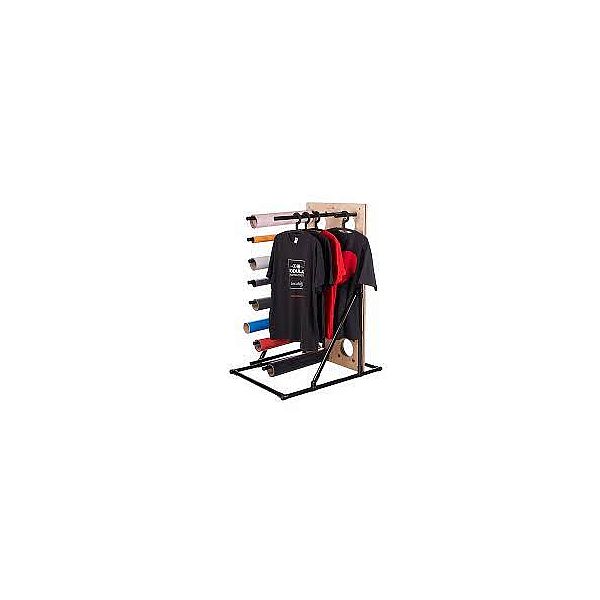
Secabo Vertical Shelving System 32
It could hardly be more flexible and resilient - whether horizontally or vertically, the Shelving System 32 offers material-friendly storage for up to 32 rolls of film and, supplemented by a shelf when mounted horizontally, represents a sophisticated alternative to the stand or collection basket for cutting plotters\. The bars for film loading or textile suspension are optionally available\.As individual as your requirements\.The needs in daily work are as individual as the person doing it\. At Secabo, we recognized this long ago and now offer the Secabo Modular Shelving System, the optimal solution for the individual setup of your personal work environment\.From shelves and racks for storing rolls of film to tables for transfer presses and cutting plotters - the modular construction kit offers unlimited possibilities! Optionally, a roll holder can also be attached to make working with the cutting plotter even easier\. In addition to various sizes, the high-quality modules are available as stand-alone models, rollable or for wall mounting\.The sophisticated Modular Shelving System from Secabo impresses above all with its flexibility\. On the one hand, the models can be expanded as needed and thus remain operational, for example, when moving or remodeling\. On the other hand, the mounting holes ensure a quick and uncomplicated rearrangement of the bars in the hole grid\. The Secabo Shelving System thus adapts to permanently changing individual requirements and guarantees clear and material-friendly film storage\. Scratches and unnecessary wear are a thing of the past! In the showroom, the system demonstrates a minimalist, appealing design through its consistent reduction to the essentials\. In keeping with this, the presentation of textiles is also professional and practical - the flexible design means that shirts, for example, can be ironed on and hung on a bar\. The quality standards we have at Secabo are also evident in the use of high-quality components, which ensure high stability and resilience and thus a long service life\. In combination with the excellent price-performance ratio, the Secabo Shelving System offers an economical and durable solution for companies that value quality and individuality\.
EAN:PIGU35288116
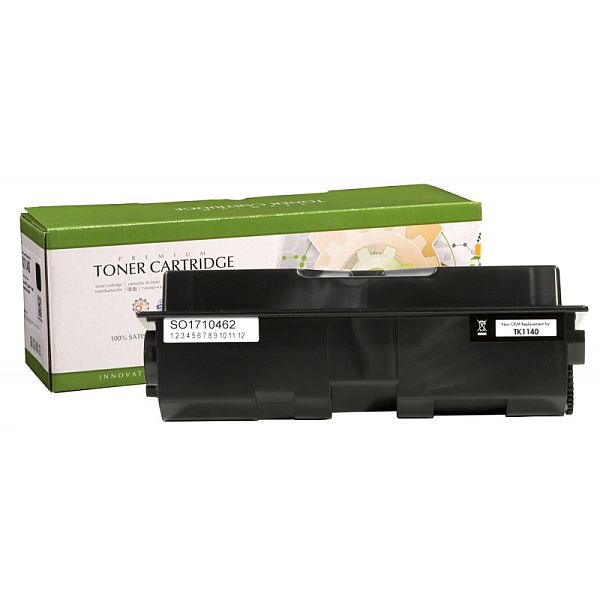
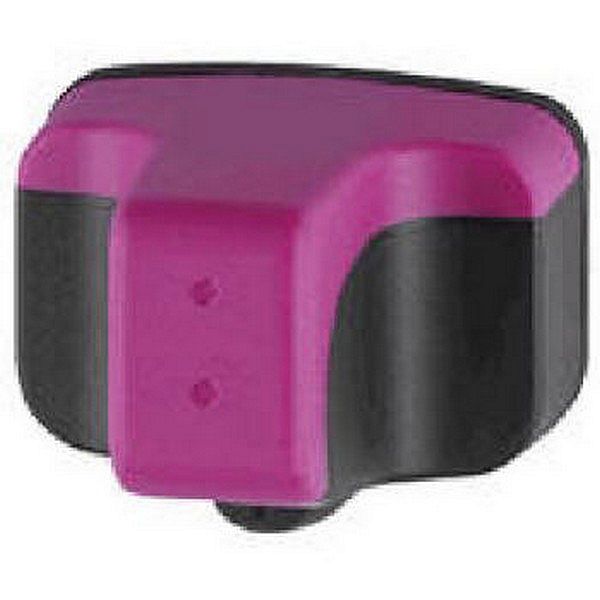
ANALOOG TINDIKASSETT HP 363 Punane
HP Photosmart
3100 ,3108 ,3110 ,3200 ,3207 ,3210 ,3213 ,3214 ,3300 ,3308 ,3310 ,3313 ,3314 ,5173 ,5177 ,5194 ,6100 ,6160 ,6285 ,6286 ,6289 ,7145 ,7180 ,7183 ,7363 ,7468 ,8200 ,8230 ,8238 ,8250 ,8253 ,C5100 ,C5140 ,C5150 ,C5170 ,C5175 ,C5180 ,C5183 ,C5185 ,C5188 ,C5190 ,C6100 ,C6150 ,C6170 ,C6175 ,C6180 ,C6183 ,C6185 ,C6188 ,C6190 ,C6200 ,C6240 ,C6250 ,C6270 ,C6280 ,C6283 ,c6285 ,C6288 ,C7100 ,C7150 All-in-One ,C7170 All-in-One ,C7177 ,C7180 All-in-One ,C7183 All-in-One ,C7186 ,C7188 ,C7190 ,C7200 ,C7250 ,C7275 ,C7280 ,C7283 ,C7288 ,C8100 All-in-One ,C8150 ,C8180 ,C8183 ,D6160 ,D6163 ,D6168 ,D7100 ,D7160 ,D7163 ,D7168 ,D7180 ,D7200 ,D7260 ,D7263 ,D7300 ,D7345 ,D7355 ,D7360 ,D7363 ,D7368 ,D7400 ,D7460 ,D7463 ,P3210,
HP PSC
3210 HP PSC 3310
3100 ,3108 ,3110 ,3200 ,3207 ,3210 ,3213 ,3214 ,3300 ,3308 ,3310 ,3313 ,3314 ,5173 ,5177 ,5194 ,6100 ,6160 ,6285 ,6286 ,6289 ,7145 ,7180 ,7183 ,7363 ,7468 ,8200 ,8230 ,8238 ,8250 ,8253 ,C5100 ,C5140 ,C5150 ,C5170 ,C5175 ,C5180 ,C5183 ,C5185 ,C5188 ,C5190 ,C6100 ,C6150 ,C6170 ,C6175 ,C6180 ,C6183 ,C6185 ,C6188 ,C6190 ,C6200 ,C6240 ,C6250 ,C6270 ,C6280 ,C6283 ,c6285 ,C6288 ,C7100 ,C7150 All-in-One ,C7170 All-in-One ,C7177 ,C7180 All-in-One ,C7183 All-in-One ,C7186 ,C7188 ,C7190 ,C7200 ,C7250 ,C7275 ,C7280 ,C7283 ,C7288 ,C8100 All-in-One ,C8150 ,C8180 ,C8183 ,D6160 ,D6163 ,D6168 ,D7100 ,D7160 ,D7163 ,D7168 ,D7180 ,D7200 ,D7260 ,D7263 ,D7300 ,D7345 ,D7355 ,D7360 ,D7363 ,D7368 ,D7400 ,D7460 ,D7463 ,P3210,
HP PSC
3210 HP PSC 3310
EAN:PIGU35283281
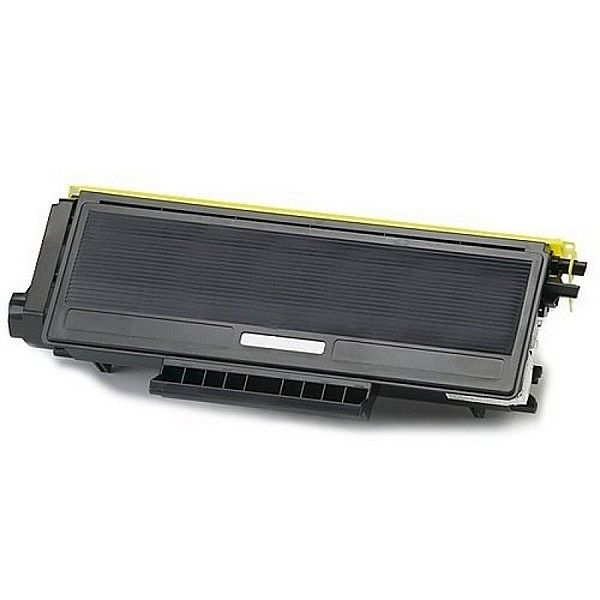
ANALOOG TOONER Brother TN-3230
Brother DCP 8060, DCP 8065, DCP 8065DN, HL3145, HL5200, HL5240L, HL5240, HL5250, HL5250DN, HL5270DN, HL5280DW, HL5280, HL5270 DN 2LT, MFC 8460N, MFC 8670 DN, MFC 8860 N, MFC 8860DN, MFC 8870DW
Brother DCP 8070
Brother DCP 8070D
Brother DCP 8080n
Brother DCP 8085
Brother DCP 8085DN
Brother DCP 8880DN
Brother DCP 8880
Brother HL 5320
Brother HL 5340
Bother HL 5340D,
Brother HL 5340DL
Brother HL 5350
Brother HL 5350DN,
Brother HL 5350DNLT
Brother HL 5370DW
Brother HL 5370
Brother HL 5380
Brother HL 5380DN
Brother MFC 8370
Brother MFC 8370DN
Brother MFC 8380DN
Brother MFC 8480DN
Brother MFC 8880DN
Brother MFC 8880
Brother MFC 8890
Brother MFC 8890 DW
Brother DCP 8070
Brother DCP 8070D
Brother DCP 8080n
Brother DCP 8085
Brother DCP 8085DN
Brother DCP 8880DN
Brother DCP 8880
Brother HL 5320
Brother HL 5340
Bother HL 5340D,
Brother HL 5340DL
Brother HL 5350
Brother HL 5350DN,
Brother HL 5350DNLT
Brother HL 5370DW
Brother HL 5370
Brother HL 5380
Brother HL 5380DN
Brother MFC 8370
Brother MFC 8370DN
Brother MFC 8380DN
Brother MFC 8480DN
Brother MFC 8880DN
Brother MFC 8880
Brother MFC 8890
Brother MFC 8890 DW
EAN:PIGU35284371