


 Paldiski mnt.26A, Tallinn
 +372 50 64 135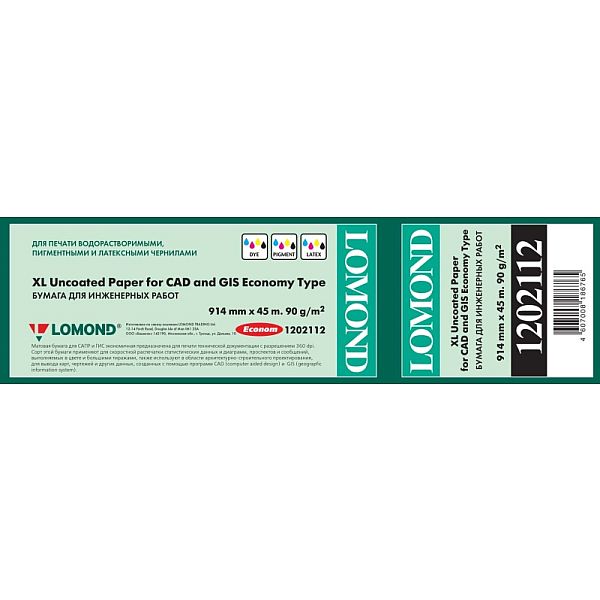
Lomond XL Photo Paper Matte CAD&GIS Economy 90 g/m2 914mm*45m
23,24 €
3 в наличии
Односторонняя матовая фотобумага Lomond для печати графических изображений фотокачества (визуализаций, презентаций, презентаций) на струйных принтерах Epson, Hewlett Packard, Cannon, Lexmark и других производителей. Матовая фотобумага Lomond покрыта специальным полимерным слоем, который позволяет точно фиксировать чернила на поверхности бумаги и повышает яркость, насыщенность и долговечность изображения. Матовая фотобумага Lomond позволяет печатать пигментными красками «PIGMENT» или непигментированными чернилами «на основе красителя» с максимальным разрешением до 2280 dpi. С помощью этой фотобумаги вы будете печатать высококачественные изображения с яркими цветами и точностью мелких деталей. Идеально подходит для высокоскоростного прессования. Матовая поверхность фотобумаги предотвращает появление отражений, поэтому даже самые мелкие детали отлично видны при печати графики, карт, инженерно-технических работ.
| Вес | 4,000 кг |
|---|---|
| Габариты | 940,000 × 150,000 × 150,000 см |
| Brand |
Похожие товары





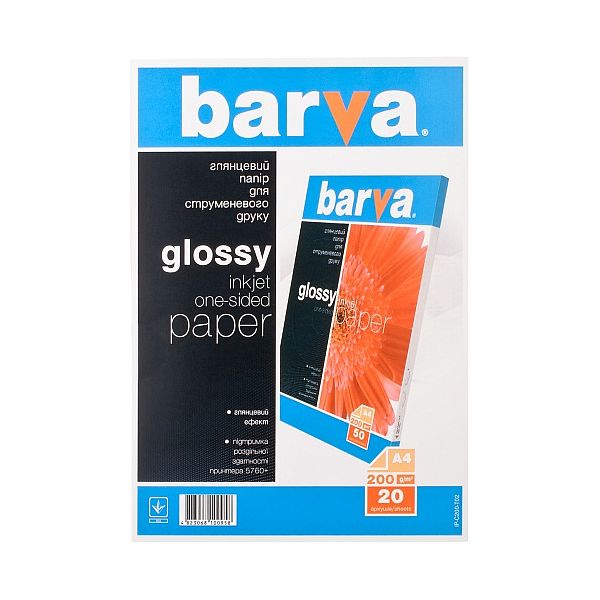
Photo Paper Barva (IP-C200-T02) Glossy 200 g/m², A4, 20 sheets
Fotopaber Barva Läikiv 200 g / m² A4 20l\. sobib printimiseks kõigile tindiprinteritele\. Te ei kahetse, kui kasutate seda paberit paljude värvide ja toonidega küllastunud piltide ja fotode printimiseks\. Sellel on mõõdukas läige ja kõrge imavus\. Barva läikival fotopaberil imendub tint kiiresti ja teie fotod on minutitega valmis\.
Läikiva BARVA fotopaberi eelis: trükitud pildi kiire kuivamine; ühilduvus pigmenteerunud ja vees lahustuvate tintidega; täiuslikult edastab erksaid ja küllastunud värve; sobib kasutamiseks mis tahes tindi ja kassetiga tindiprinterites; optimaalne printeri 5760\+ eraldusvõimega printimiseks\. Trükkimiseks kasutatakse läikivat paberit: fotod; ajakavad ja esitlused; tekst mis tahes värvipilt\.
Soovitame paberit hoida kuivas kohas, otsese päikesevalguse eest kaitstult\. Ei sisalda kahjulikke aineid\. Prinditud pilte on soovitatav säilitada albumites või klaaside all raamides\. Kõrge prindikvaliteedi saavutamiseks kasutage tindiprinteris või MFP-s õigeid sätteid
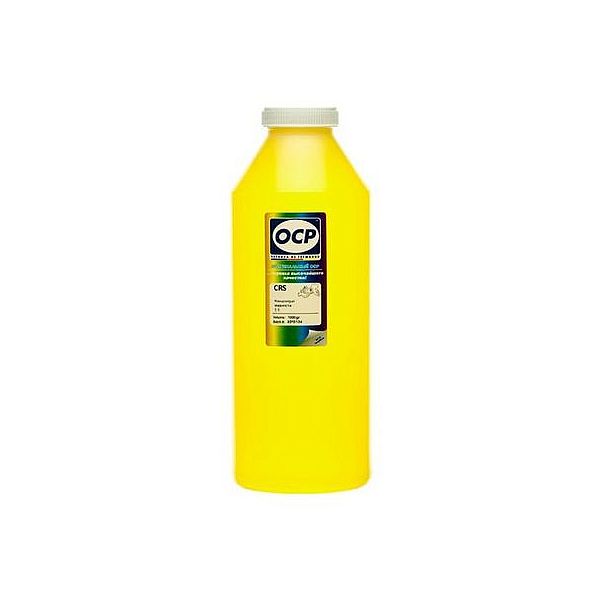
Жидкость для внутренней очистки печатающих головок OCP Yellow, 1L
Replaceable print heads \(Hewlett Packard, some Lexmark series, Canon 2000 / 4000 / 5000 series\)\.
Some contaminations:
Soak the towel in the unclog printhead liquid and leave the print head \(on the towel\) in position like inside the printer for 15-30 minutes \(maximum 2 hours\)
after that period wipe near exhaust nozzles using a piece of cloth\.
Large contaminations:
Fill the flat dish with liquid and put the print head in position like inside the printer for up to 12 hours
CAUTION:
Do not sink the cartridge in the liquid at the level as the print head nozzles are located\. It may damage \(separate\) plastic parts of the cartridge\. Internal liquid may be injected inside the cartridge\. We receive the best effectiveness when liquid will be heated to temperature 55 °C\. It is very important not to cross that temperature\. Because the electronic plates are stuck, too large temperature of solution may cause plates unstick and also cartridge electronic damage\.Injecting liquid inside the cartridge it is necessary to remember to suck off using syringe with suction device after about 10 minutes\.
CAUTION:
We receive the largest effectiveness when the liquid is heated to 55 °C\. Don´t cross that temperature\.
Procedures with solid print heads \(Epson models\)\.
Proceed according to the following recommendations:
Start printing
During printing, take out plug from power cord \(the print head should be in a central position\)
Cut out a piece of cloth in the shape of print head
A piece of cloth must be soaked with liquid
put it on the park place \(usually at the right side of the printer\)
Shift the print head in the park position
Wait about 30 minutes
Remove a piece of cloth
Plug the printer in\.