Paldiski mnt.26A, Tallinn
 +372 50 64 135


Топ продаж



Новые товары
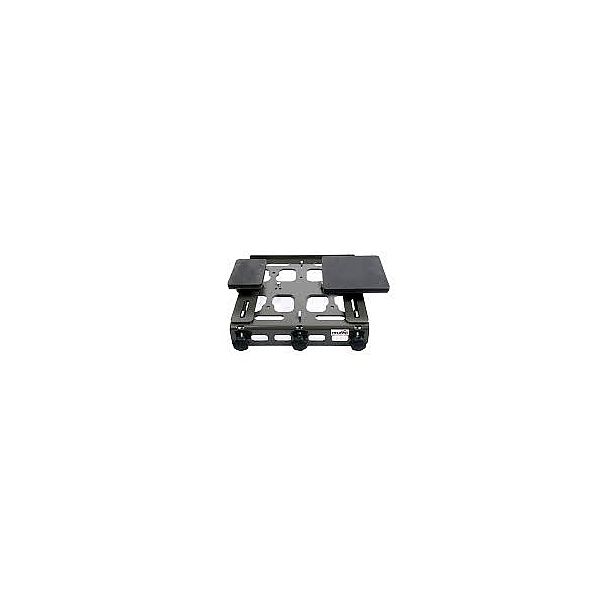
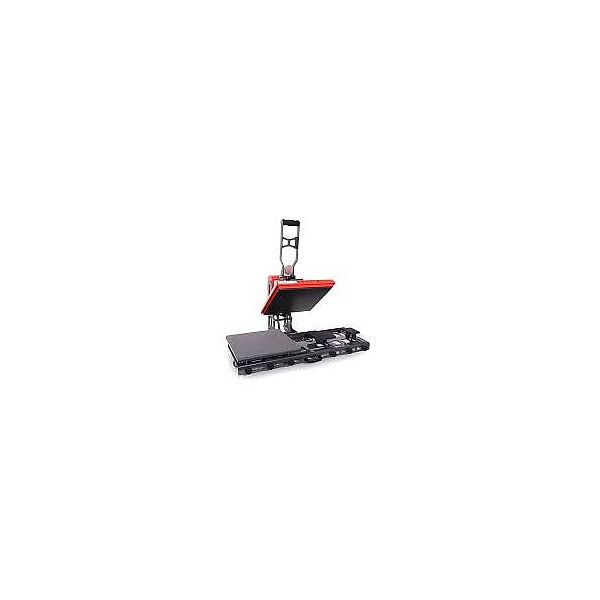
Secabo replaceable plates quick-changer for TPD7 PREMIUM
Depending on the transfer press model, up to three change plates can be mounted next to each other with the Secabo quick-change system and replaced in a few seconds\. Available for the transfer presses TC5, TC7, TPD7 and TPD7 PREMIUM \(up to 2 x 3 change plates for 2 quick couplers\), TS7, change plates have to be ordered separately\. The scope of delivery includes an adapter for mounting the original base plate on the quick coupler\. The special beam technology of the adapter makes it possible to comfortably cover textiles over the base plate\.
EAN:PIGU35288116


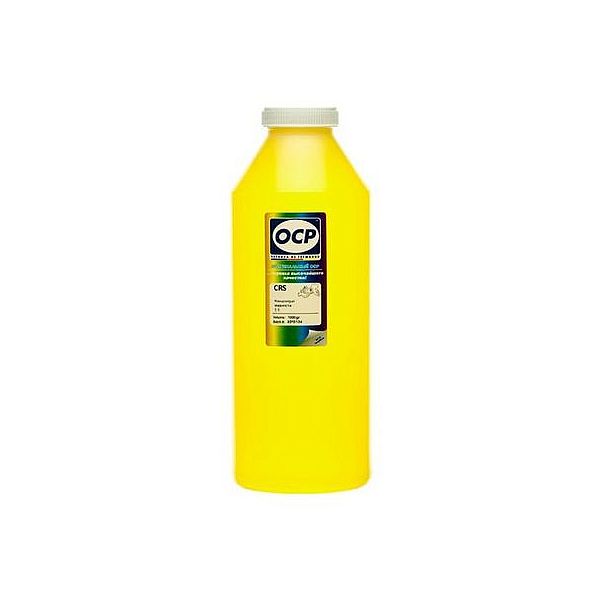
Жидкость для внутренней очистки печатающих головок OCP Yellow, 1L
Print head Cleaning liquid instructions\.
Replaceable print heads \(Hewlett Packard, some Lexmark series, Canon 2000 / 4000 / 5000 series\)\.
Some contaminations:
Soak the towel in the unclog printhead liquid and leave the print head \(on the towel\) in position like inside the printer for 15-30 minutes \(maximum 2 hours\)
after that period wipe near exhaust nozzles using a piece of cloth\.
Large contaminations:
Fill the flat dish with liquid and put the print head in position like inside the printer for up to 12 hours
CAUTION:
Do not sink the cartridge in the liquid at the level as the print head nozzles are located\. It may damage \(separate\) plastic parts of the cartridge\. Internal liquid may be injected inside the cartridge\. We receive the best effectiveness when liquid will be heated to temperature 55 °C\. It is very important not to cross that temperature\. Because the electronic plates are stuck, too large temperature of solution may cause plates unstick and also cartridge electronic damage\.Injecting liquid inside the cartridge it is necessary to remember to suck off using syringe with suction device after about 10 minutes\.
CAUTION:
We receive the largest effectiveness when the liquid is heated to 55 °C\. Don´t cross that temperature\.
Procedures with solid print heads \(Epson models\)\.
Proceed according to the following recommendations:
Start printing
During printing, take out plug from power cord \(the print head should be in a central position\)
Cut out a piece of cloth in the shape of print head
A piece of cloth must be soaked with liquid
put it on the park place \(usually at the right side of the printer\)
Shift the print head in the park position
Wait about 30 minutes
Remove a piece of cloth
Plug the printer in\.
Replaceable print heads \(Hewlett Packard, some Lexmark series, Canon 2000 / 4000 / 5000 series\)\.
Some contaminations:
Soak the towel in the unclog printhead liquid and leave the print head \(on the towel\) in position like inside the printer for 15-30 minutes \(maximum 2 hours\)
after that period wipe near exhaust nozzles using a piece of cloth\.
Large contaminations:
Fill the flat dish with liquid and put the print head in position like inside the printer for up to 12 hours
CAUTION:
Do not sink the cartridge in the liquid at the level as the print head nozzles are located\. It may damage \(separate\) plastic parts of the cartridge\. Internal liquid may be injected inside the cartridge\. We receive the best effectiveness when liquid will be heated to temperature 55 °C\. It is very important not to cross that temperature\. Because the electronic plates are stuck, too large temperature of solution may cause plates unstick and also cartridge electronic damage\.Injecting liquid inside the cartridge it is necessary to remember to suck off using syringe with suction device after about 10 minutes\.
CAUTION:
We receive the largest effectiveness when the liquid is heated to 55 °C\. Don´t cross that temperature\.
Procedures with solid print heads \(Epson models\)\.
Proceed according to the following recommendations:
Start printing
During printing, take out plug from power cord \(the print head should be in a central position\)
Cut out a piece of cloth in the shape of print head
A piece of cloth must be soaked with liquid
put it on the park place \(usually at the right side of the printer\)
Shift the print head in the park position
Wait about 30 minutes
Remove a piece of cloth
Plug the printer in\.
EAN:0