Paldiski mnt.26A, Tallinn
 +372 50 64 135


Топ продаж




Новые товары


Сублимационная бумага TexPrint DTR Heavy – 120g\. 110 листов
TexPrint DTR Heavy \(varem TexPrint R\) sublimatsioonipaber kruuside, t-särkide, puslede jms trükkimiseks\. Kasutamiseks ainult tindiprinterites ja sublimatsioonitindiga\. Paberi kaal: 120g/m2, suurus: A4, lehed: 110
Sublimatsioonipaberit kasutatakse trükiste ülekandmiseks sublimeerimiseks sobivatele aluspindadele: heledad T-särgid, dressipluusid ja muud polüesterkiudude seguga tekstiilid ja kõvad pinnad, mis on kaetud polüestrikihiga\.
Sublimatsioontrüki paber töötab Ricoh ja Virtuoso sublimatsioonivärvidega tindiprinteritega
Professionaalsed sublimatsioonipaberid tagavad suurepärased printimistulemused: sügav must, erksad värvid, detailide truu reprodutseerimine ja vastupidavus
Tänu oma grammkaalule ja spetsiaalsele poorsele struktuurile on sublimatsioonipaberid kiiresti kuivavad, vastupidavad kõrgetele temperatuuridele ega kortsu tindi niiskuse tõttu
Kruusidele või T-särkidele trükkimiseks sublimatsiooni teel soojusülekandeks mõeldud paber on väga tõhus – sihtsubstraadile kandmisel kandub üle kuni 95% paberilt tindist!
Märkus\. Trükk lehel tuleb asetada siledale küljele, ilma tootja märgisteta
Pidage meeles: hoidke paber alati niiskuse eest kaitstuna
EAN:0

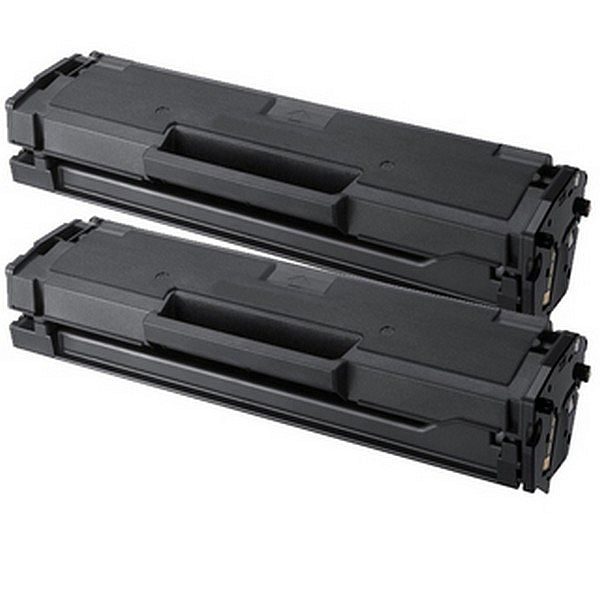
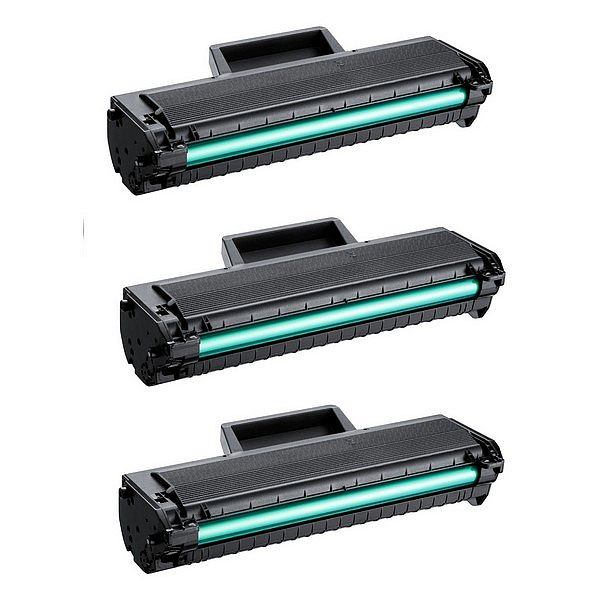
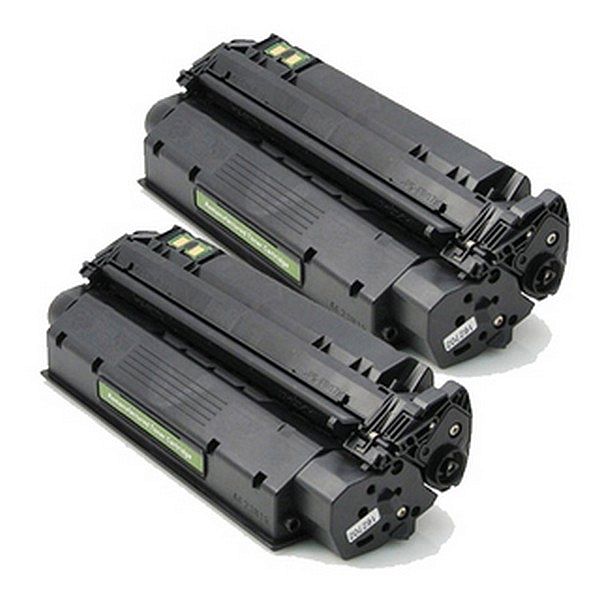
Комплект совместимых тонеров Samsung MLT-D101S TWINPACK!
Samsung ML-2161, 2160, 2165, 2166W, 2165W SCX3400, 3401, 3405, 3406, 3407, 3401FH, 3405W, 3405FW, 3406W, 3406HW, SF-761, 761P, 760P
Samsung ML 2160
Samsung ML 2162
Samsung ML 2165w
Samsung ML 2165
Samsung ML 2168w
Samsung ML 2168
Samsung SCX 3400
Samsung SCX 3405
Samsung SCX 3405fw
Samsung SCX 3405w
Samsung SCX 3505 W
Samsung SF760p
Samsung SF760 P
Samsung ML 2160
Samsung ML 2162
Samsung ML 2165w
Samsung ML 2165
Samsung ML 2168w
Samsung ML 2168
Samsung SCX 3400
Samsung SCX 3405
Samsung SCX 3405fw
Samsung SCX 3405w
Samsung SCX 3505 W
Samsung SF760p
Samsung SF760 P
EAN:PIGU35287936
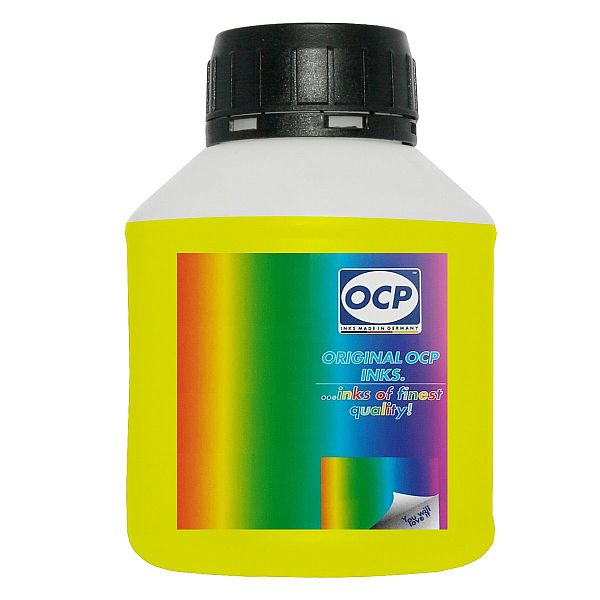
Жидкость для внутренней очистки печатающих головок OCP Yellow, 250ml
Print head Cleaning liquid instructions\.
Replaceable print heads \(Hewlett Packard, some Lexmark series, Canon 2000 / 4000 / 5000 series\)\.
Some contaminations:
Soak the towel in the unclog printhead liquid and leave the print head \(on the towel\) in position like inside the printer for 15-30 minutes \(maximum 2 hours\)
after that period wipe near exhaust nozzles using a piece of cloth\.
Large contaminations:
Fill the flat dish with liquid and put the print head in position like inside the printer for up to 12 hours
CAUTION:
Do not sink the cartridge in the liquid at the level as the print head nozzles are located\. It may damage \(separate\) plastic parts of the cartridge\. Internal liquid may be injected inside the cartridge\. We receive the best effectiveness when liquid will be heated to temperature 55 °C\. It is very important not to cross that temperature\. Because the electronic plates are stuck, too large temperature of solution may cause plates unstick and also cartridge electronic damage\.Injecting liquid inside the cartridge it is necessary to remember to suck off using syringe with suction device after about 10 minutes\.
CAUTION:
We receive the largest effectiveness when the liquid is heated to 55 °C\. Don´t cross that temperature\.
Procedures with solid print heads \(Epson models\)\.
Proceed according to the following recommendations:
Start printing
During printing, take out plug from power cord \(the print head should be in a central position\)
Cut out a piece of cloth in the shape of print head
A piece of cloth must be soaked with liquid
put it on the park place \(usually at the right side of the printer\)
Shift the print head in the park position
Wait about 30 minutes
Remove a piece of cloth
Plug the printer in\.
Replaceable print heads \(Hewlett Packard, some Lexmark series, Canon 2000 / 4000 / 5000 series\)\.
Some contaminations:
Soak the towel in the unclog printhead liquid and leave the print head \(on the towel\) in position like inside the printer for 15-30 minutes \(maximum 2 hours\)
after that period wipe near exhaust nozzles using a piece of cloth\.
Large contaminations:
Fill the flat dish with liquid and put the print head in position like inside the printer for up to 12 hours
CAUTION:
Do not sink the cartridge in the liquid at the level as the print head nozzles are located\. It may damage \(separate\) plastic parts of the cartridge\. Internal liquid may be injected inside the cartridge\. We receive the best effectiveness when liquid will be heated to temperature 55 °C\. It is very important not to cross that temperature\. Because the electronic plates are stuck, too large temperature of solution may cause plates unstick and also cartridge electronic damage\.Injecting liquid inside the cartridge it is necessary to remember to suck off using syringe with suction device after about 10 minutes\.
CAUTION:
We receive the largest effectiveness when the liquid is heated to 55 °C\. Don´t cross that temperature\.
Procedures with solid print heads \(Epson models\)\.
Proceed according to the following recommendations:
Start printing
During printing, take out plug from power cord \(the print head should be in a central position\)
Cut out a piece of cloth in the shape of print head
A piece of cloth must be soaked with liquid
put it on the park place \(usually at the right side of the printer\)
Shift the print head in the park position
Wait about 30 minutes
Remove a piece of cloth
Plug the printer in\.
EAN:0