Совместимые катриджи
Оригинальные катриджи
Банковские ссылки, рассрочка
Оплата
info@dmc.ee
Поддержка Пн-Пт 9-18
Бесплатная доставка
в пакоматы
от 50 eur
Топ продаж
Новые товары
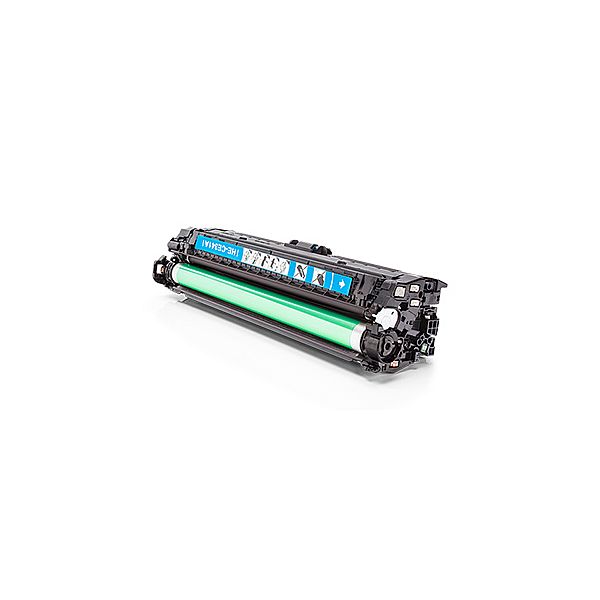
Жидкость для внутренней очистки печатающих головок OCP Yellow, 1L
21,25 €
Print head Cleaning liquid instructions\.
Replaceable print heads \(Hewlett Packard, some Lexmark series, Canon 2000 / 4000 / 5000 series\)\.
Some contaminations:
Soak the towel in the unclog printhead liquid and leave the print head \(on the towel\) in position like inside the printer for 15-30 minutes \(maximum 2 hours\)
after that period wipe near exhaust nozzles using a piece of cloth\.
Large contaminations:
Fill the flat dish with liquid and put the print head in position like inside the printer for up to 12 hours
CAUTION:
Do not sink the cartridge in the liquid at the level as the print head nozzles are located\. It may damage \(separate\) plastic parts of the cartridge\. Internal liquid may be injected inside the cartridge\. We receive the best effectiveness when liquid will be heated to temperature 55 °C\. It is very important not to cross that temperature\. Because the electronic plates are stuck, too large temperature of solution may cause plates unstick and also cartridge electronic damage\.Injecting liquid inside the cartridge it is necessary to remember to suck off using syringe with suction device after about 10 minutes\.
CAUTION:
We receive the largest effectiveness when the liquid is heated to 55 °C\. Don´t cross that temperature\.
Procedures with solid print heads \(Epson models\)\.
Proceed according to the following recommendations:
Start printing
During printing, take out plug from power cord \(the print head should be in a central position\)
Cut out a piece of cloth in the shape of print head
A piece of cloth must be soaked with liquid
put it on the park place \(usually at the right side of the printer\)
Shift the print head in the park position
Wait about 30 minutes
Remove a piece of cloth
Plug the printer in\.
Replaceable print heads \(Hewlett Packard, some Lexmark series, Canon 2000 / 4000 / 5000 series\)\.
Some contaminations:
Soak the towel in the unclog printhead liquid and leave the print head \(on the towel\) in position like inside the printer for 15-30 minutes \(maximum 2 hours\)
after that period wipe near exhaust nozzles using a piece of cloth\.
Large contaminations:
Fill the flat dish with liquid and put the print head in position like inside the printer for up to 12 hours
CAUTION:
Do not sink the cartridge in the liquid at the level as the print head nozzles are located\. It may damage \(separate\) plastic parts of the cartridge\. Internal liquid may be injected inside the cartridge\. We receive the best effectiveness when liquid will be heated to temperature 55 °C\. It is very important not to cross that temperature\. Because the electronic plates are stuck, too large temperature of solution may cause plates unstick and also cartridge electronic damage\.Injecting liquid inside the cartridge it is necessary to remember to suck off using syringe with suction device after about 10 minutes\.
CAUTION:
We receive the largest effectiveness when the liquid is heated to 55 °C\. Don´t cross that temperature\.
Procedures with solid print heads \(Epson models\)\.
Proceed according to the following recommendations:
Start printing
During printing, take out plug from power cord \(the print head should be in a central position\)
Cut out a piece of cloth in the shape of print head
A piece of cloth must be soaked with liquid
put it on the park place \(usually at the right side of the printer\)
Shift the print head in the park position
Wait about 30 minutes
Remove a piece of cloth
Plug the printer in\.
EAN:0
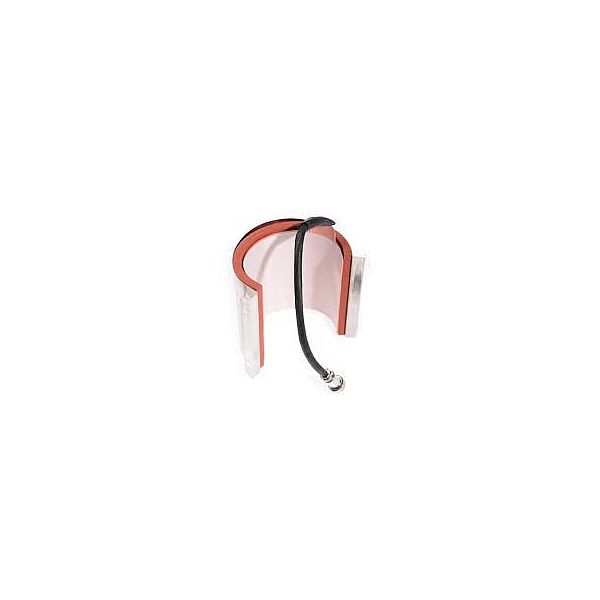
Secabo membrane base plate 47cm x 57cm for TC7, TC7 SMART and LITE, TPD7, TS7
505,30 €
The membrane base plates by Secabo create new opportunities in the implementation of your Secabo heat press - especially when working with transfer objects with significant height-differences and unevenness\. Many old and almost all new heat press models allow for upgrading to the passive membrane lower plates\. The membrane can easily be inflated via a small inflation bulb\. The membrane's maximum compensation height may be configured thereby\. As usual, the contact pressure is set on the heat press, for example via a hand wheel on the heat plate\. When the heat press is closed, a manometer reliably displays the current contact pressure - in grams per square centimeter\. The pressure can be adjusted via the inflation bulb and a release valve\. The membrane lower plates by Secabo allow for taking accurate readings of the actual contact pressure, as well as reproducibly setting it\. The membrane lower plates are available for work surfaces of 38cm x 38cm and 40cm x 50cm\. The plates' actual dimensions are 45 x 45cm and 47 x 57cm respectively\. It is possible to mount them straight to the base of many Secabo heat presses and they are compatible with the well-known quick change systems and slide extensions by Secabo\.
EAN:PIGU35288116
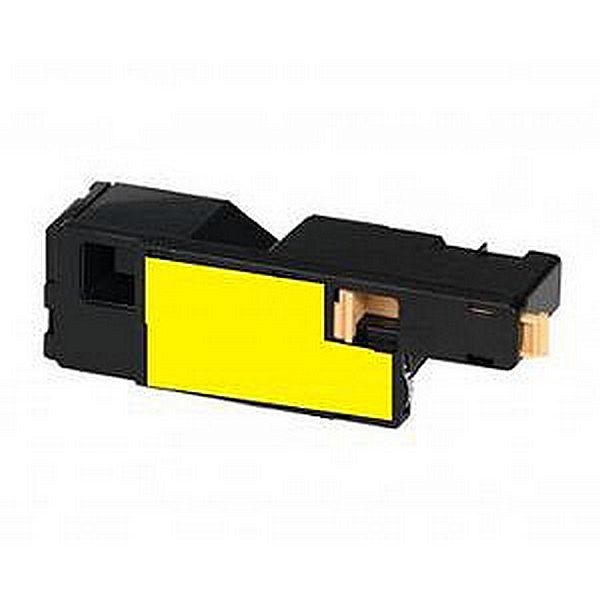
Совместимый тонер Oki C301 / 321 44973533 Yellow
18,56 €