Paldiski mnt.26A, Tallinn
 +372 50 64 135


Enim müüdud





Uued tooted

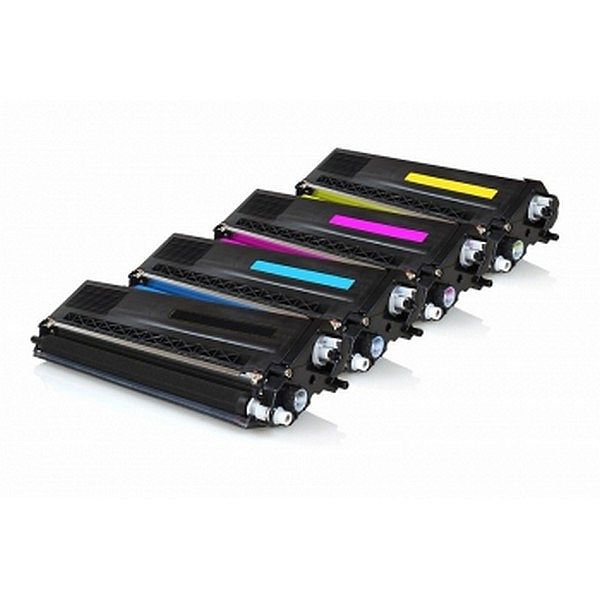
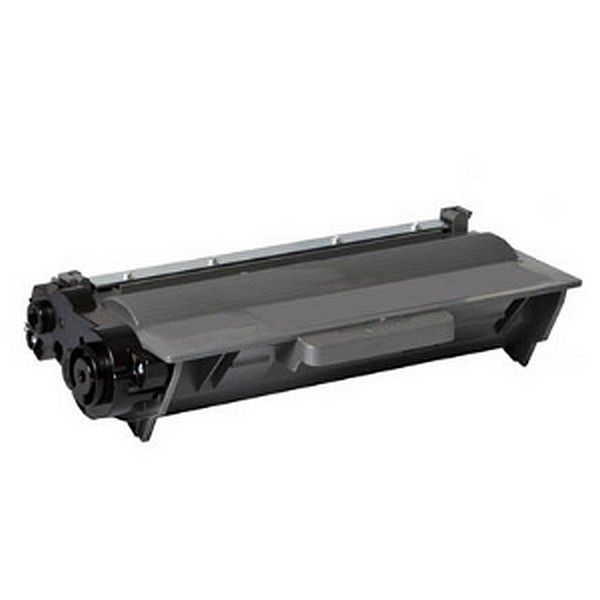
ANALOOG TOONERITE KOMPLEKT Brother TN-320 / TN-325 CMYK
Brother DCP 9050CDN toner cartridges
Brother DCP 9055 toner cartridges
\(includes; DCP 9055CDN\)
Brother DCP 9055CDW toner cartridges
Brother DCP 9270 toner cartridges
\(includes; DCP 9270CDN\)
Brother HL 4140CN toner cartridges
Brother HL 4150CDN toner cartridges
Brother HL 4570CDW toner cartridges
Brother HL 4570CDWT toner cartridges
Brother MFC 9460 toner cartridges
\(includes; MFC 9460CDN\)
Brother MFC 9465CDN toner cartridges
Brother MFC 9970CDW toner cartridges
TN-328
Brother DCP 9055 toner cartridges
\(includes; DCP 9055CDN\)
Brother DCP 9055CDW toner cartridges
Brother DCP 9270 toner cartridges
\(includes; DCP 9270CDN\)
Brother HL 4140CN toner cartridges
Brother HL 4150CDN toner cartridges
Brother HL 4570CDW toner cartridges
Brother HL 4570CDWT toner cartridges
Brother MFC 9460 toner cartridges
\(includes; MFC 9460CDN\)
Brother MFC 9465CDN toner cartridges
Brother MFC 9970CDW toner cartridges
TN-328
EAN:PIGU35284131
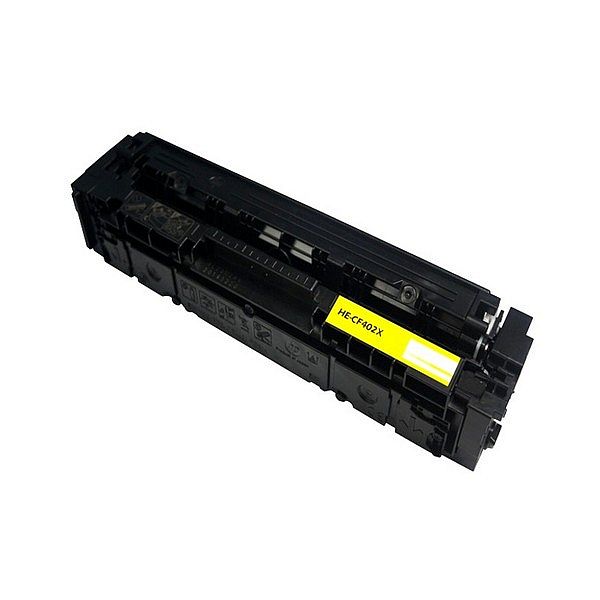
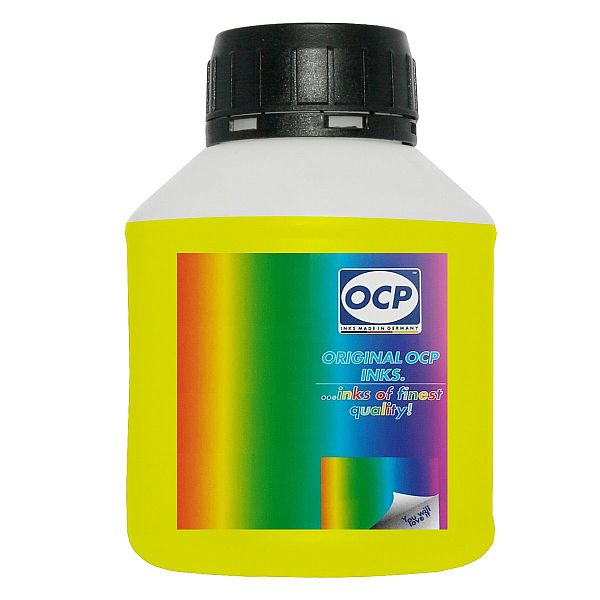
Tindipea sisepuhastuseks vedelik OCP Yellow, 250ml
Print head Cleaning liquid instructions\.
Replaceable print heads \(Hewlett Packard, some Lexmark series, Canon 2000 / 4000 / 5000 series\)\.
Some contaminations:
Soak the towel in the unclog printhead liquid and leave the print head \(on the towel\) in position like inside the printer for 15-30 minutes \(maximum 2 hours\)
after that period wipe near exhaust nozzles using a piece of cloth\.
Large contaminations:
Fill the flat dish with liquid and put the print head in position like inside the printer for up to 12 hours
CAUTION:
Do not sink the cartridge in the liquid at the level as the print head nozzles are located\. It may damage \(separate\) plastic parts of the cartridge\. Internal liquid may be injected inside the cartridge\. We receive the best effectiveness when liquid will be heated to temperature 55 °C\. It is very important not to cross that temperature\. Because the electronic plates are stuck, too large temperature of solution may cause plates unstick and also cartridge electronic damage\.Injecting liquid inside the cartridge it is necessary to remember to suck off using syringe with suction device after about 10 minutes\.
CAUTION:
We receive the largest effectiveness when the liquid is heated to 55 °C\. Don´t cross that temperature\.
Procedures with solid print heads \(Epson models\)\.
Proceed according to the following recommendations:
Start printing
During printing, take out plug from power cord \(the print head should be in a central position\)
Cut out a piece of cloth in the shape of print head
A piece of cloth must be soaked with liquid
put it on the park place \(usually at the right side of the printer\)
Shift the print head in the park position
Wait about 30 minutes
Remove a piece of cloth
Plug the printer in\.
Replaceable print heads \(Hewlett Packard, some Lexmark series, Canon 2000 / 4000 / 5000 series\)\.
Some contaminations:
Soak the towel in the unclog printhead liquid and leave the print head \(on the towel\) in position like inside the printer for 15-30 minutes \(maximum 2 hours\)
after that period wipe near exhaust nozzles using a piece of cloth\.
Large contaminations:
Fill the flat dish with liquid and put the print head in position like inside the printer for up to 12 hours
CAUTION:
Do not sink the cartridge in the liquid at the level as the print head nozzles are located\. It may damage \(separate\) plastic parts of the cartridge\. Internal liquid may be injected inside the cartridge\. We receive the best effectiveness when liquid will be heated to temperature 55 °C\. It is very important not to cross that temperature\. Because the electronic plates are stuck, too large temperature of solution may cause plates unstick and also cartridge electronic damage\.Injecting liquid inside the cartridge it is necessary to remember to suck off using syringe with suction device after about 10 minutes\.
CAUTION:
We receive the largest effectiveness when the liquid is heated to 55 °C\. Don´t cross that temperature\.
Procedures with solid print heads \(Epson models\)\.
Proceed according to the following recommendations:
Start printing
During printing, take out plug from power cord \(the print head should be in a central position\)
Cut out a piece of cloth in the shape of print head
A piece of cloth must be soaked with liquid
put it on the park place \(usually at the right side of the printer\)
Shift the print head in the park position
Wait about 30 minutes
Remove a piece of cloth
Plug the printer in\.
EAN:0