


 Paldiski mnt.26A, Tallinn
 +372 50 64 135


Top sell




New products
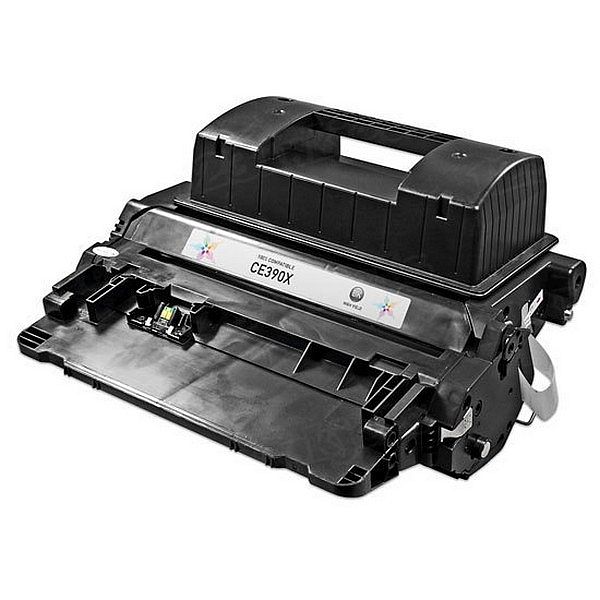
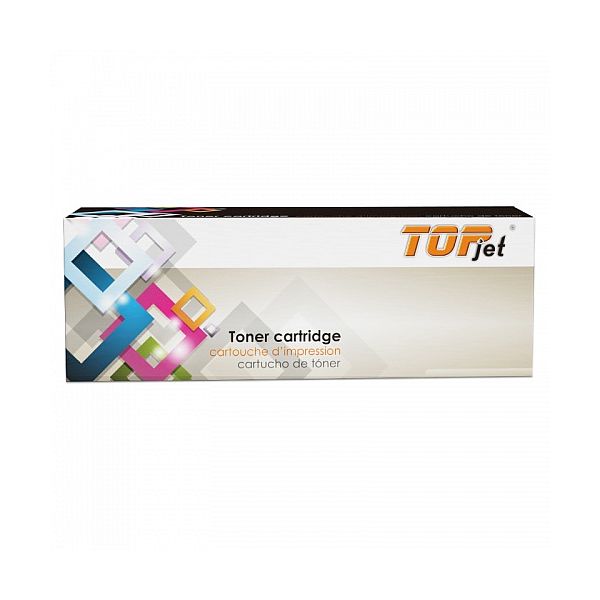
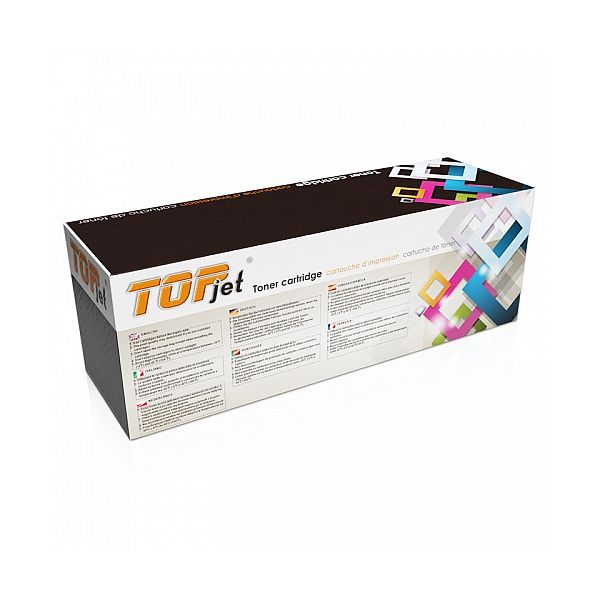
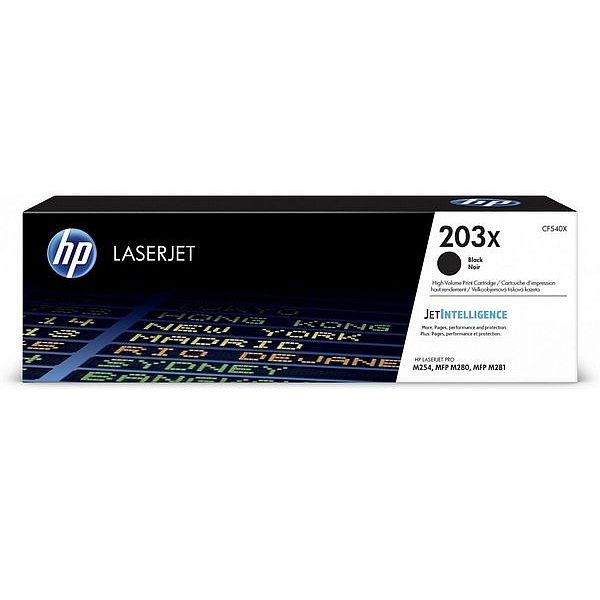
ANALOOG TOONERIKASSETT HP 90X, CE390X
HP Laserjet Enterprise 600 M601dn
HP Laserjet Enterprise 600 M601n
HP Laserjet Enterprise 600 M602dn
HP Laserjet Enterprise 600 M602n
HP Laserjet Enterprise 600 m602x
HP Laserjet Enterprise 600 M603
HP Laserjet Enterprise 600 M603xh
HP Laserjet Enterprise 600 M603dn
HP Laserjet Enterprise 600 M603n
HP Laserjet Enterprise M600
HP Laserjet Enterprise M602
HP Laserjet Enterprise M603
HP Laserjet Enterprise M4555 MFP
HP Laserjet Enterprise M4555f MFP
HP Laserjet Enterprise M4555fskm MFP
HP Laserjet Enterprise M4555h MFP
HP Laserjet M4555dn
HP Laserjet M4555
HP Laserjet Enterprise 600 M601n
HP Laserjet Enterprise 600 M602dn
HP Laserjet Enterprise 600 M602n
HP Laserjet Enterprise 600 m602x
HP Laserjet Enterprise 600 M603
HP Laserjet Enterprise 600 M603xh
HP Laserjet Enterprise 600 M603dn
HP Laserjet Enterprise 600 M603n
HP Laserjet Enterprise M600
HP Laserjet Enterprise M602
HP Laserjet Enterprise M603
HP Laserjet Enterprise M4555 MFP
HP Laserjet Enterprise M4555f MFP
HP Laserjet Enterprise M4555fskm MFP
HP Laserjet Enterprise M4555h MFP
HP Laserjet M4555dn
HP Laserjet M4555
EAN:PIGU35285651

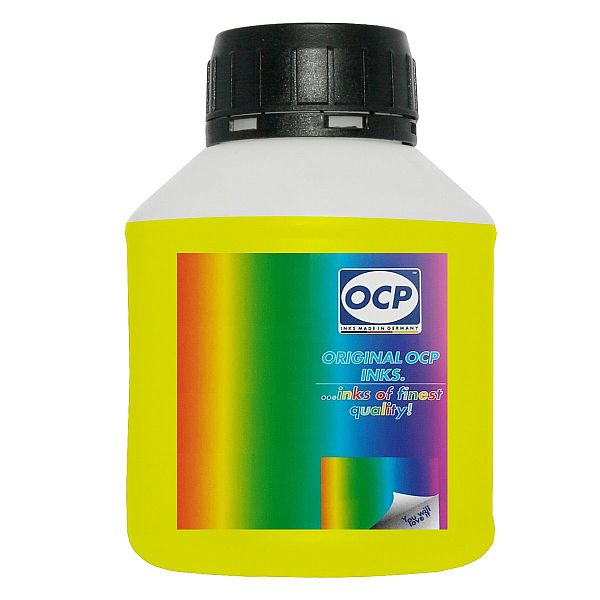
Tindipea sisepuhastuseks vedelik OCP Yellow, 250ml
Print head Cleaning liquid instructions\.
Replaceable print heads \(Hewlett Packard, some Lexmark series, Canon 2000 / 4000 / 5000 series\)\.
Some contaminations:
Soak the towel in the unclog printhead liquid and leave the print head \(on the towel\) in position like inside the printer for 15-30 minutes \(maximum 2 hours\)
after that period wipe near exhaust nozzles using a piece of cloth\.
Large contaminations:
Fill the flat dish with liquid and put the print head in position like inside the printer for up to 12 hours
CAUTION:
Do not sink the cartridge in the liquid at the level as the print head nozzles are located\. It may damage \(separate\) plastic parts of the cartridge\. Internal liquid may be injected inside the cartridge\. We receive the best effectiveness when liquid will be heated to temperature 55 °C\. It is very important not to cross that temperature\. Because the electronic plates are stuck, too large temperature of solution may cause plates unstick and also cartridge electronic damage\.Injecting liquid inside the cartridge it is necessary to remember to suck off using syringe with suction device after about 10 minutes\.
CAUTION:
We receive the largest effectiveness when the liquid is heated to 55 °C\. Don´t cross that temperature\.
Procedures with solid print heads \(Epson models\)\.
Proceed according to the following recommendations:
Start printing
During printing, take out plug from power cord \(the print head should be in a central position\)
Cut out a piece of cloth in the shape of print head
A piece of cloth must be soaked with liquid
put it on the park place \(usually at the right side of the printer\)
Shift the print head in the park position
Wait about 30 minutes
Remove a piece of cloth
Plug the printer in\.
Replaceable print heads \(Hewlett Packard, some Lexmark series, Canon 2000 / 4000 / 5000 series\)\.
Some contaminations:
Soak the towel in the unclog printhead liquid and leave the print head \(on the towel\) in position like inside the printer for 15-30 minutes \(maximum 2 hours\)
after that period wipe near exhaust nozzles using a piece of cloth\.
Large contaminations:
Fill the flat dish with liquid and put the print head in position like inside the printer for up to 12 hours
CAUTION:
Do not sink the cartridge in the liquid at the level as the print head nozzles are located\. It may damage \(separate\) plastic parts of the cartridge\. Internal liquid may be injected inside the cartridge\. We receive the best effectiveness when liquid will be heated to temperature 55 °C\. It is very important not to cross that temperature\. Because the electronic plates are stuck, too large temperature of solution may cause plates unstick and also cartridge electronic damage\.Injecting liquid inside the cartridge it is necessary to remember to suck off using syringe with suction device after about 10 minutes\.
CAUTION:
We receive the largest effectiveness when the liquid is heated to 55 °C\. Don´t cross that temperature\.
Procedures with solid print heads \(Epson models\)\.
Proceed according to the following recommendations:
Start printing
During printing, take out plug from power cord \(the print head should be in a central position\)
Cut out a piece of cloth in the shape of print head
A piece of cloth must be soaked with liquid
put it on the park place \(usually at the right side of the printer\)
Shift the print head in the park position
Wait about 30 minutes
Remove a piece of cloth
Plug the printer in\.
EAN:0
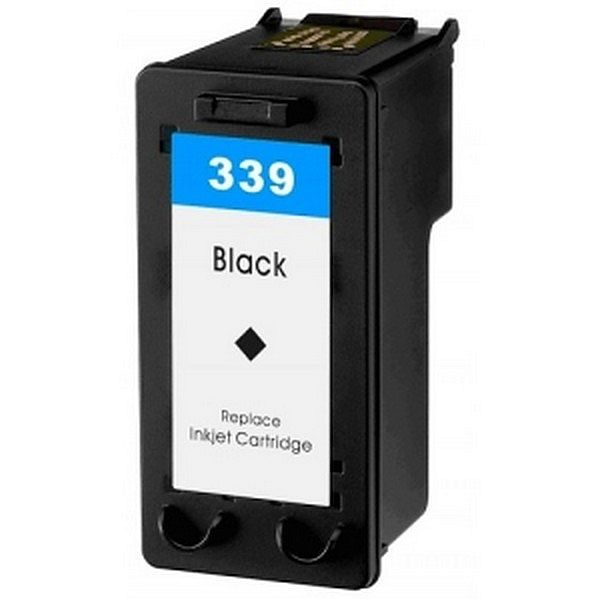
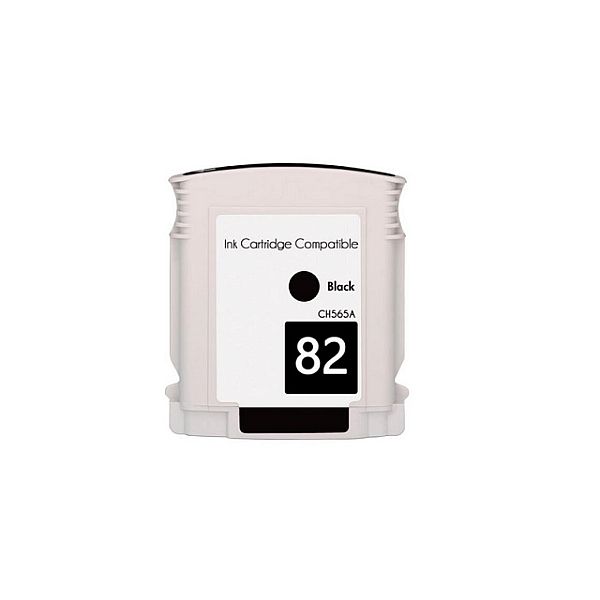
ANALOOG TINDIKASSETT HP 339 Must
HP Deskjet 5490, 5740, 5743, 5745, 5748, 5793, 5900, 5940, 5940dt, 5943, 5950, 6520, 6540, 6540d, 6543, 6548, 6620, 6623, 6800, 6830, 6840, 6843, 6848, 6900, 6940, 6943, 6980dt, 6980, 6983, 6985, 6988, 9800d, 9800, 9803, 9860, D4145, D4155, D4163, D4168, HP Officejet 6300, 6301, 6304, 6305, 6307, 6308, 6310, 6310xi, 6313, 6315, 6318, 7130xi, 7200, 7205, 7208, 7210, 7213, 7215, 7218, 7300, 7310, 7313, 7400, 7408, 7410, 7413, K7100, K7103, K7108, Pro K7100, Pro K7103, Pro K7108,
HP Photosmart 2500, 2570, 2573, 2575a, 2575v, 2575, 2575xi, 2578, 2600, 2605, 2608, 2610v, 2610xi, 2610, 2613, 2615, 2700, 2710, 2713, 5100, 7838, 8000, 8030, 8039, 8049, 8053, 8100, 8150, 8150v, 8153, 8158, 8400, 8450gp, 8453, 8700, 8750gp, 8750, 8750g, 8753, C7800, C7838, C7850, D5145, D5155, D5156, D5160, D5163, D5168, Pro B8300, Pro B8330, Pro B8338, Pro B8339, Pro B8350, Pro B8353, HP PSC 2305, 2306, 2570, 2600, 2610, 2613, 2619
HP Photosmart 2500, 2570, 2573, 2575a, 2575v, 2575, 2575xi, 2578, 2600, 2605, 2608, 2610v, 2610xi, 2610, 2613, 2615, 2700, 2710, 2713, 5100, 7838, 8000, 8030, 8039, 8049, 8053, 8100, 8150, 8150v, 8153, 8158, 8400, 8450gp, 8453, 8700, 8750gp, 8750, 8750g, 8753, C7800, C7838, C7850, D5145, D5155, D5156, D5160, D5163, D5168, Pro B8300, Pro B8330, Pro B8338, Pro B8339, Pro B8350, Pro B8353, HP PSC 2305, 2306, 2570, 2600, 2610, 2613, 2619
EAN:PIGU35283496