Paldiski mnt.26A, Tallinn
 +372 50 64 135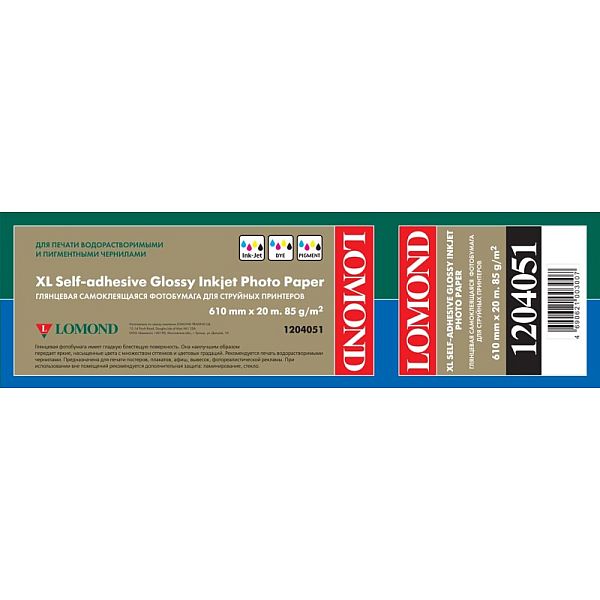
Lomond XL Photo Paper Glossy Self Adhesive 85 g/m2 610mm*20m (50,8mm)
63,30 €
1 в наличии
Рулонная глянцевая фотобумага Lomond для печати фотографических изображений (визуализаций, презентаций, презентаций) на широкоформатных струйных принтерах Epson, Hewlett Packard, Cannon, Lexmark и других производителей. Глянцевая фотобумага Lomond покрыта специальным глянцевым полимерным слоем, который позволяет точно фиксировать чернила на поверхности бумаги и повышает яркость, насыщенность и долговечность изображения. Глянцевая фотобумага Lomond позволяет печатать с максимальным разрешением до 2280 точек на дюйм. Глянцевая фотобумага для печати пигментированными (PIGM) и непигментированными (DYE) чернилами с разрешением до 2880 точек на дюйм. Очень высокое качество печати, быстрая впитываемость и высыхание чернил. Глянцевая и гладкая поверхность фотобумаги передает яркие, насыщенные цвета с множеством цветовых тонов. Предназначен для печати плакатов, плакатов, рекламы. Для использования вне помещений необходимо ламинировать или защищать стеклом
.
| Вес | 3,109 кг |
|---|---|
| Габариты | 650,000 × 160,000 × 150,000 см |
| Brand |
Похожие товары
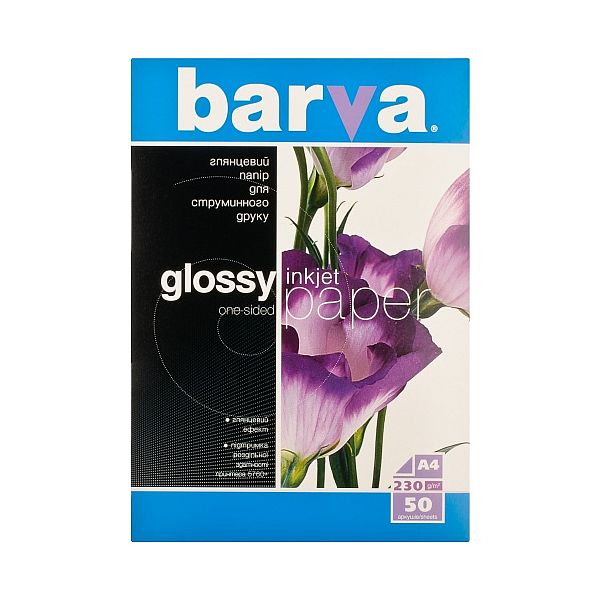
Фотобумага Barva, Глянцевая, A4, 230 г/м2, 50 л
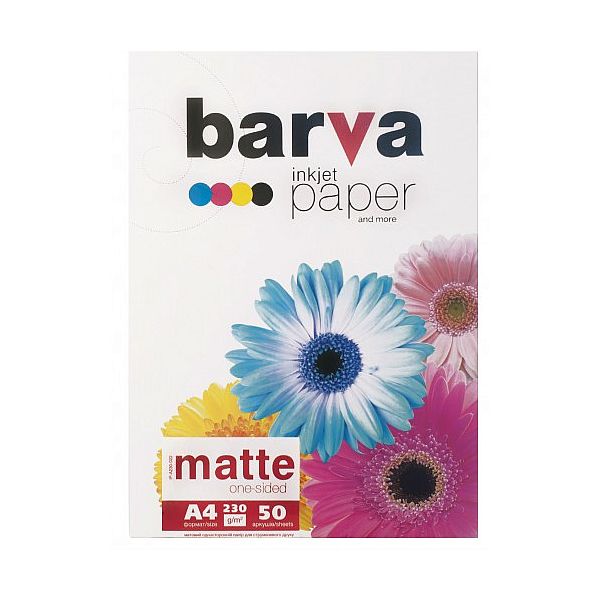
Фотобумага Barva, матовая, A4, 230 г/м2, 50 л


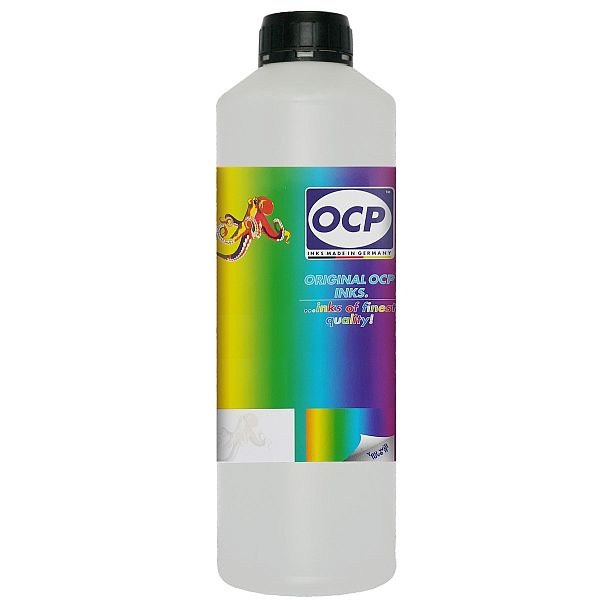
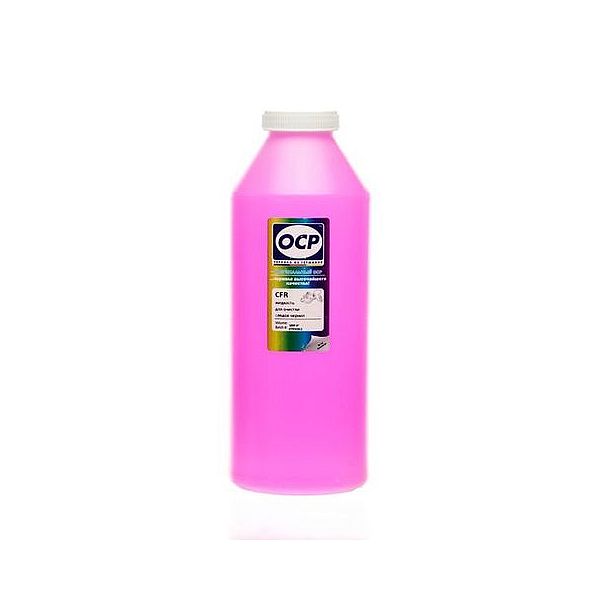
Чистящая жидкость печатающих головок OCP “Nozzle Rocket”, 1 литр
Liquid is designed for unclogging \(internal rinsing\) of ink cartridges\. Its specially working out chemical composition allows to remove \(dissolve\) very precisely the reminders of dry ink from the cartridge\.
This liquid is an auxiliary liquid and should be used jointly with
OCP
internal yellow liquid\. Simply -
Nozzle Rocket
removes all the dry ink remainders which wasn't dissolved after use of yellow liquid\. Use
Nozzle Rocket
liquid only injecting it inside the cartridge\. We receive the best effectiveness when liquid will be heated to temperature
55 °C
\. It is very important not to cross that temperature! Because the electronic plates are stuck, too large temperature of solution may cause plates unstick and also cartridge electronic damage\. Injecting liquid inside the cartridge it is necessary to remember to suck off using syringe with suction device through the exhaust nozzles \(alternatively using specialist suction device\)\.
ATTENTION
: We receive the largest effectiveness when the liquid is heated to
55 °C
\. Don´t cross that temperature! After cartridge rinsing with
Nozzle Rocket
liquid, it is recommended removing liquid reminders injecting inside the cartridge distilled water and removing reminders sucking it off through exhaust nozzles\.
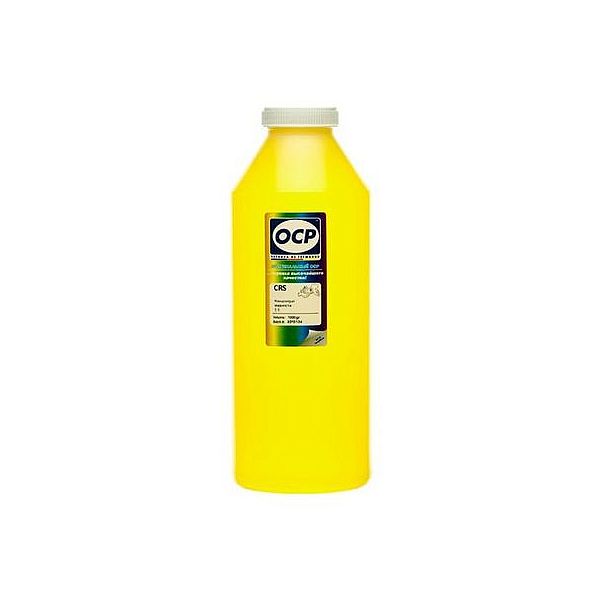
Жидкость для внутренней очистки печатающих головок OCP Yellow, 1L
Replaceable print heads \(Hewlett Packard, some Lexmark series, Canon 2000 / 4000 / 5000 series\)\.
Some contaminations:
Soak the towel in the unclog printhead liquid and leave the print head \(on the towel\) in position like inside the printer for 15-30 minutes \(maximum 2 hours\)
after that period wipe near exhaust nozzles using a piece of cloth\.
Large contaminations:
Fill the flat dish with liquid and put the print head in position like inside the printer for up to 12 hours
CAUTION:
Do not sink the cartridge in the liquid at the level as the print head nozzles are located\. It may damage \(separate\) plastic parts of the cartridge\. Internal liquid may be injected inside the cartridge\. We receive the best effectiveness when liquid will be heated to temperature 55 °C\. It is very important not to cross that temperature\. Because the electronic plates are stuck, too large temperature of solution may cause plates unstick and also cartridge electronic damage\.Injecting liquid inside the cartridge it is necessary to remember to suck off using syringe with suction device after about 10 minutes\.
CAUTION:
We receive the largest effectiveness when the liquid is heated to 55 °C\. Don´t cross that temperature\.
Procedures with solid print heads \(Epson models\)\.
Proceed according to the following recommendations:
Start printing
During printing, take out plug from power cord \(the print head should be in a central position\)
Cut out a piece of cloth in the shape of print head
A piece of cloth must be soaked with liquid
put it on the park place \(usually at the right side of the printer\)
Shift the print head in the park position
Wait about 30 minutes
Remove a piece of cloth
Plug the printer in\.